Downgrades are not officially supported. LangSmith upgrades may include database migrations and other changes that are not backward-compatible. If you need to roll back to a previous version, contact support for guidance. helm repo add langchain https://langchain-ai.github.io/helm/
version with the version you want to upgrade to):
If you are using a namespace other than the default namespace, you will need to specify the namespace in the helm and kubectl commands by using the -n <namespace flag.
helm search repo langchain/langsmith --versions
langchain/langsmith     0.10.14         0.10.32         Helm chart to deploy the langsmith application ...
langchain/langsmith     0.10.13         0.10.32         Helm chart to deploy the langsmith application ...
langchain/langsmith     0.10.12         0.10.32         Helm chart to deploy the langsmith application ...
langchain/langsmith     0.10.11         0.10.29         Helm chart to deploy the langsmith application ...
langchain/langsmith     0.10.10         0.10.29         Helm chart to deploy the langsmith application ...
langchain/langsmith     0.10.9          0.10.29         Helm chart to deploy the langsmith application ...
helm upgrade <release-name> langchain/langsmith --version <version> --values <path-to-values-file> --wait --debug
helm status <release-name>
Running state. Verify that ClickHouse is running and that both migrations jobs have completed.
kubectl get pods
NAME                                     READY   STATUS      RESTARTS   AGE
langsmith-backend-95b6d54f5-gz48b        1/1     Running     0          15h
langsmith-pg-migrations-d2z6k            0/1     Completed   0          5h48m
langsmith-ch-migrations-gasvk            0/1     Completed   0          5h48m
langsmith-clickhouse-0                   1/1     Running     0          26h
langsmith-frontend-84687d9d45-6cg4r      1/1     Running     0          15h
langsmith-hub-backend-66ffb75fb4-qg6kl   1/1     Running     0          15h
langsmith-playground-85b444d8f7-pl589    1/1     Running     0          15h
langsmith-queue-d58cb64f7-87d68          1/1     Running     0          15h
Validate your deployment
-
Run
kubectl get services
Output will be similar to:
NAME                         TYPE           CLUSTER-IP       EXTERNAL-IP     PORT(S)                      AGE
kubernetes                   ClusterIP      172.20.0.1       <none>          443/TCP                      27d
langsmith-backend            ClusterIP      172.20.22.34     <none>          1984/TCP                     21d
langsmith-clickhouse         ClusterIP      172.20.117.62    <none>          8123/TCP,9000/TCP            21d
langsmith-frontend           LoadBalancer   172.20.218.30    <external ip>   80:30093/TCP,443:31130/TCP   21d
langsmith-platform-backend   ClusterIP      172.20.232.183   <none>          1986/TCP                     21d
langsmith-playground         ClusterIP      172.20.167.132   <none>          3001/TCP                     21d
langsmith-postgres           ClusterIP      172.20.59.63     <none>          5432/TCP                     21d
langsmith-redis              ClusterIP      172.20.229.98    <none>          6379/TCP                     20d
-
Curl the external ip of the
langsmith-frontend service:
curl <external ip>/api/info
{"version":"0.5.7","license_expiration_time":"2033-05-20T20:08:06","batch_ingest_config":{"scale_up_qsize_trigger":1000,"scale_up_nthreads_limit":16,"scale_down_nempty_trigger":4,"size_limit":100,"size_limit_bytes":20971520}}
-
Visit the external IP for the
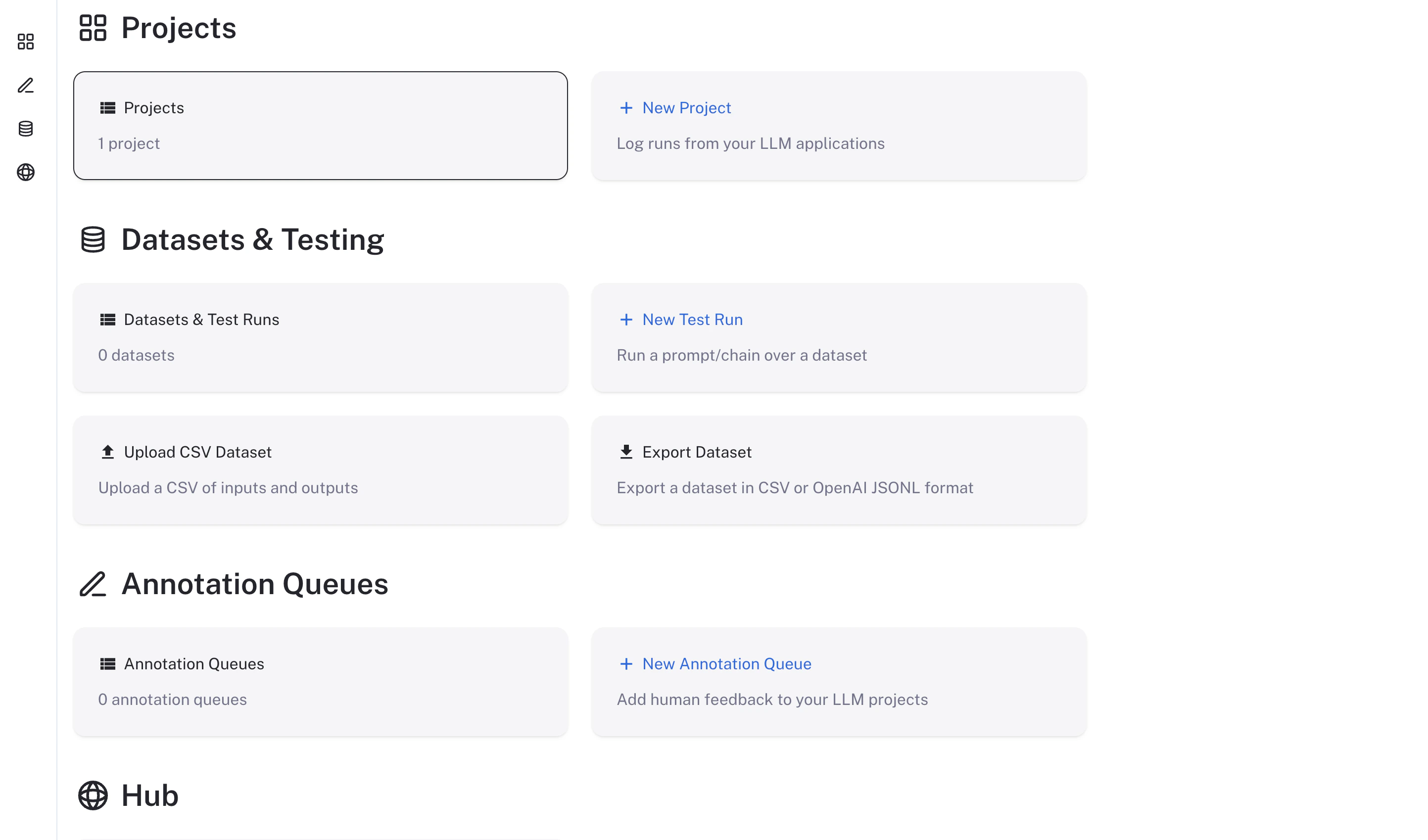
langsmith-frontend service on your browser. The LangSmith UI should be visible and operational.